
Holiday 2026
AI Christmas photo templates
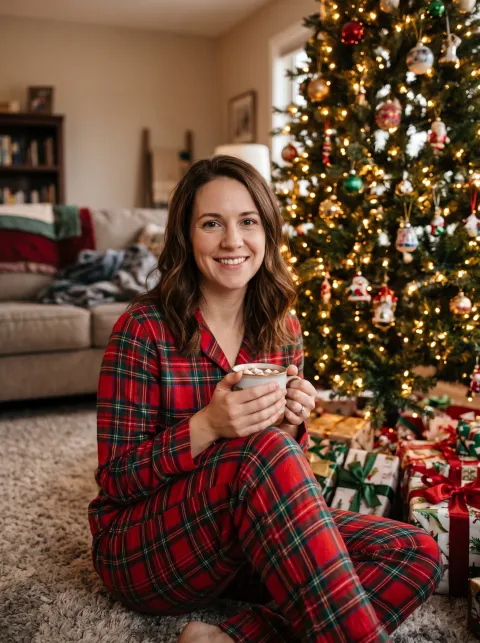
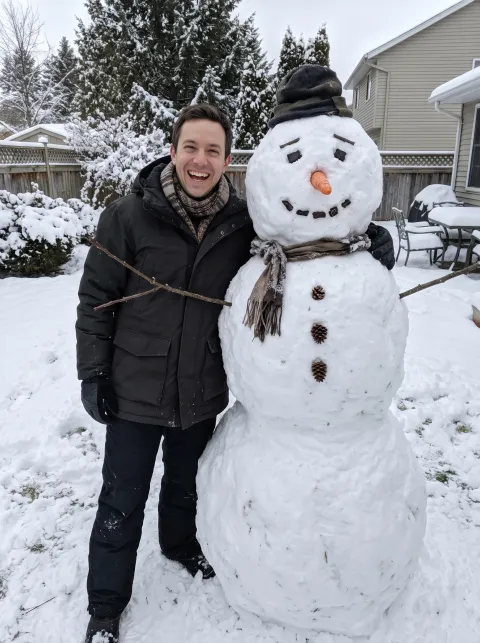
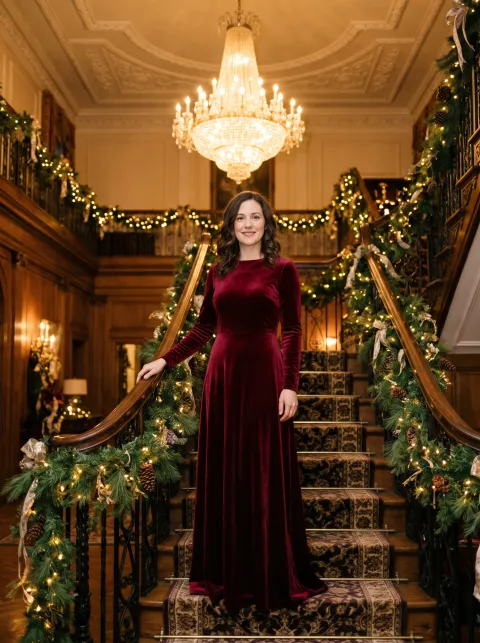
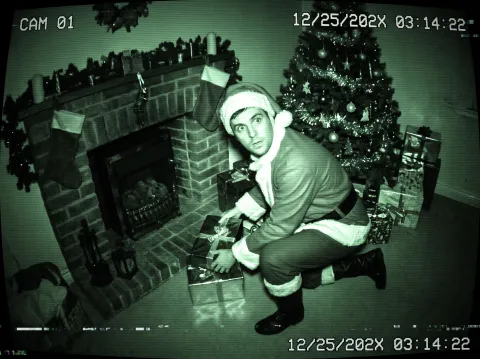
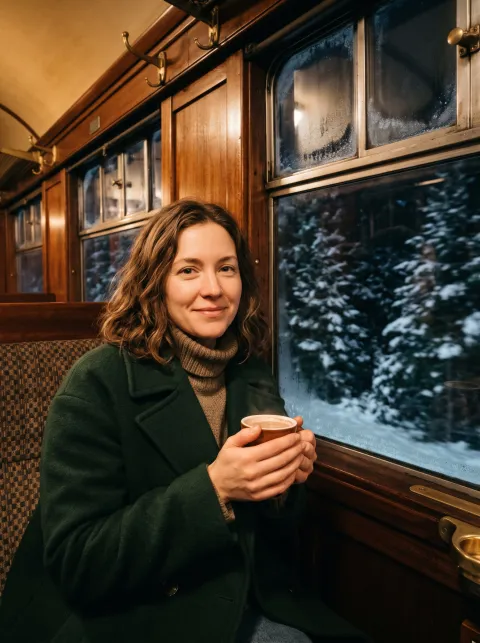
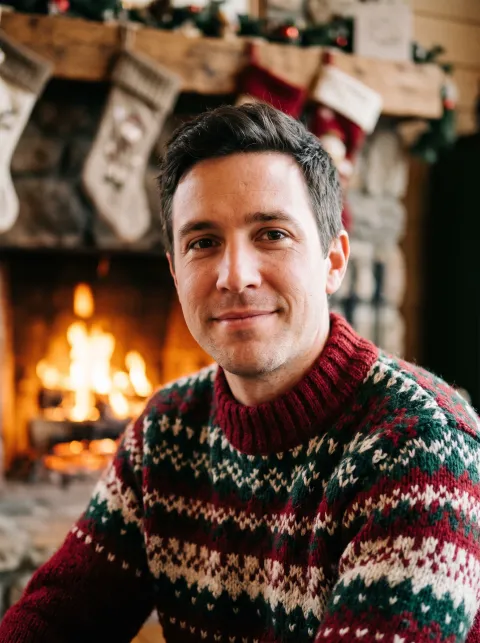
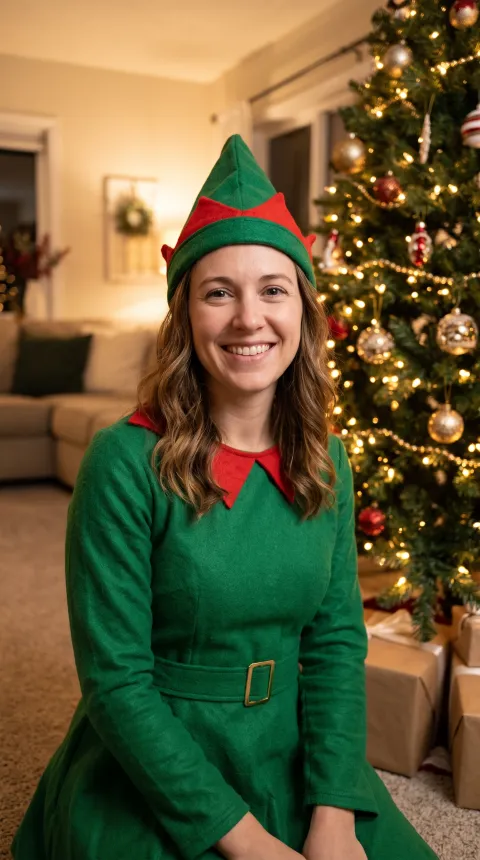
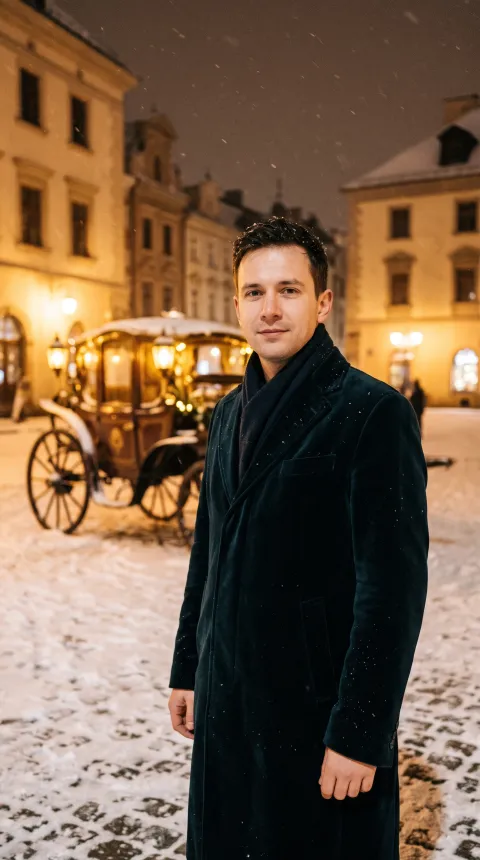
The Christmas trends people are posting this season, rebuilt by us as templates you can star in: candy-cane studio glam, a Santa-hat profile picture, a snow globe and more. A photo costs 12 credits.
Updated
Three steps, no prompt
- 1
Choose a template
Trending scenes, holidays, retro eras, costumes, weddings and headshots. Video templates move.
- 2
Add one clear selfie
Tick the consent box and upload a photo of your own face. We check it before it is kept.
- 3
Reveal and download
A photo takes 15 to 40 seconds, a video 1 to 3 minutes. Downloads carry an AI-generated label.
Questions, answered
How do I make an AI Christmas photo of myself?
Pick a Christmas template, sign in, tick the consent box and add one selfie of your own face. Your photo is ready in 15 to 40 seconds.
Can I make a Christmas PFP?
Yes. The Santa-hat template is a square profile picture made for avatars. Download it with the small AI-generated label in the corner.
Are there Christmas video templates?
Yes. Video templates such as the elf dance and the winter carriage animate a 5-second clip of you. They cost 72 credits and come with any plan or pack.
Can I make a Christmas photo of my family or friends?
No. FaceJoy only uses your own face, and photos of other people, children or public figures are refused. Each adult can make their own.